

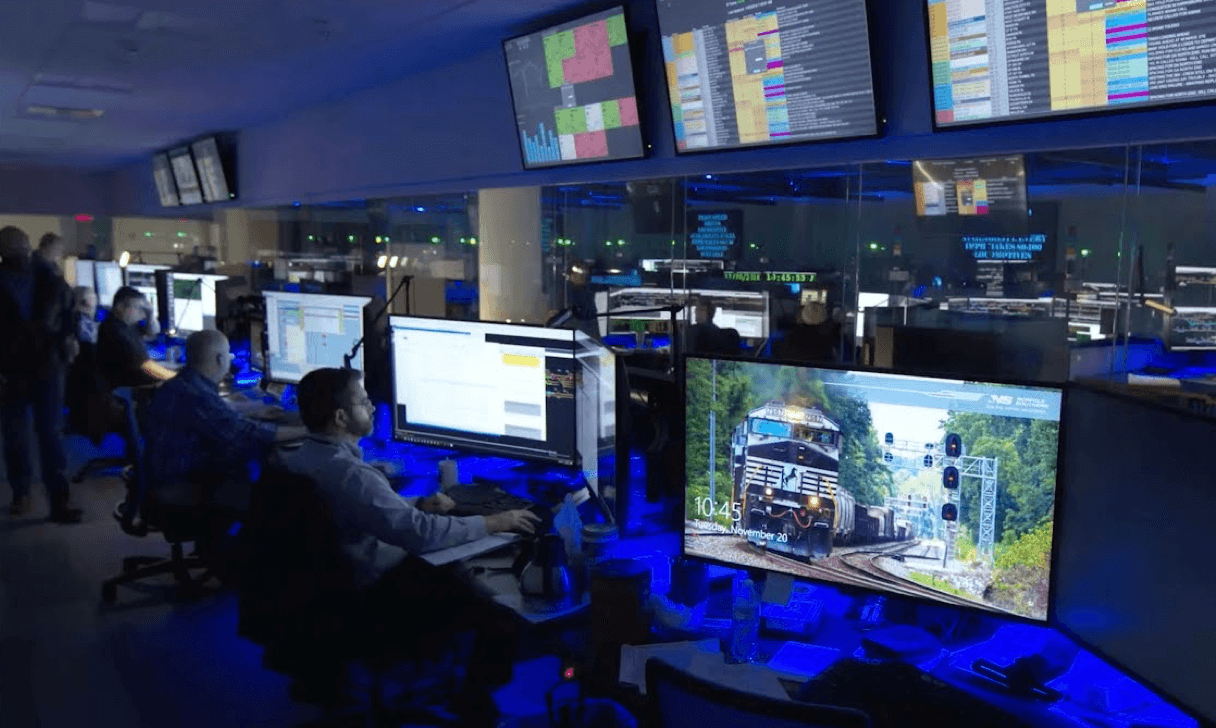
 An example of a Network Operations Center (or "NOC"), where large networks are monitored
Nagios
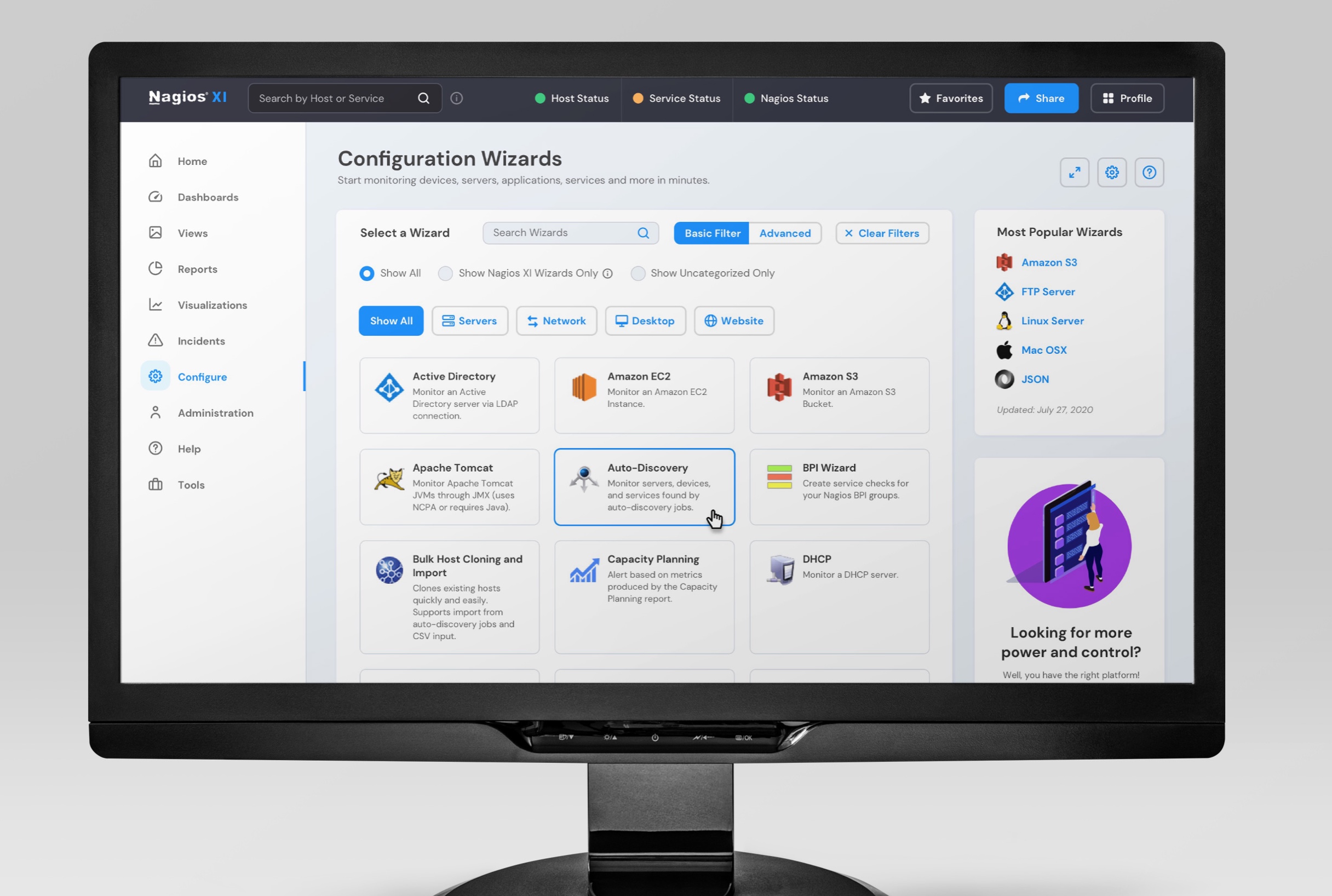
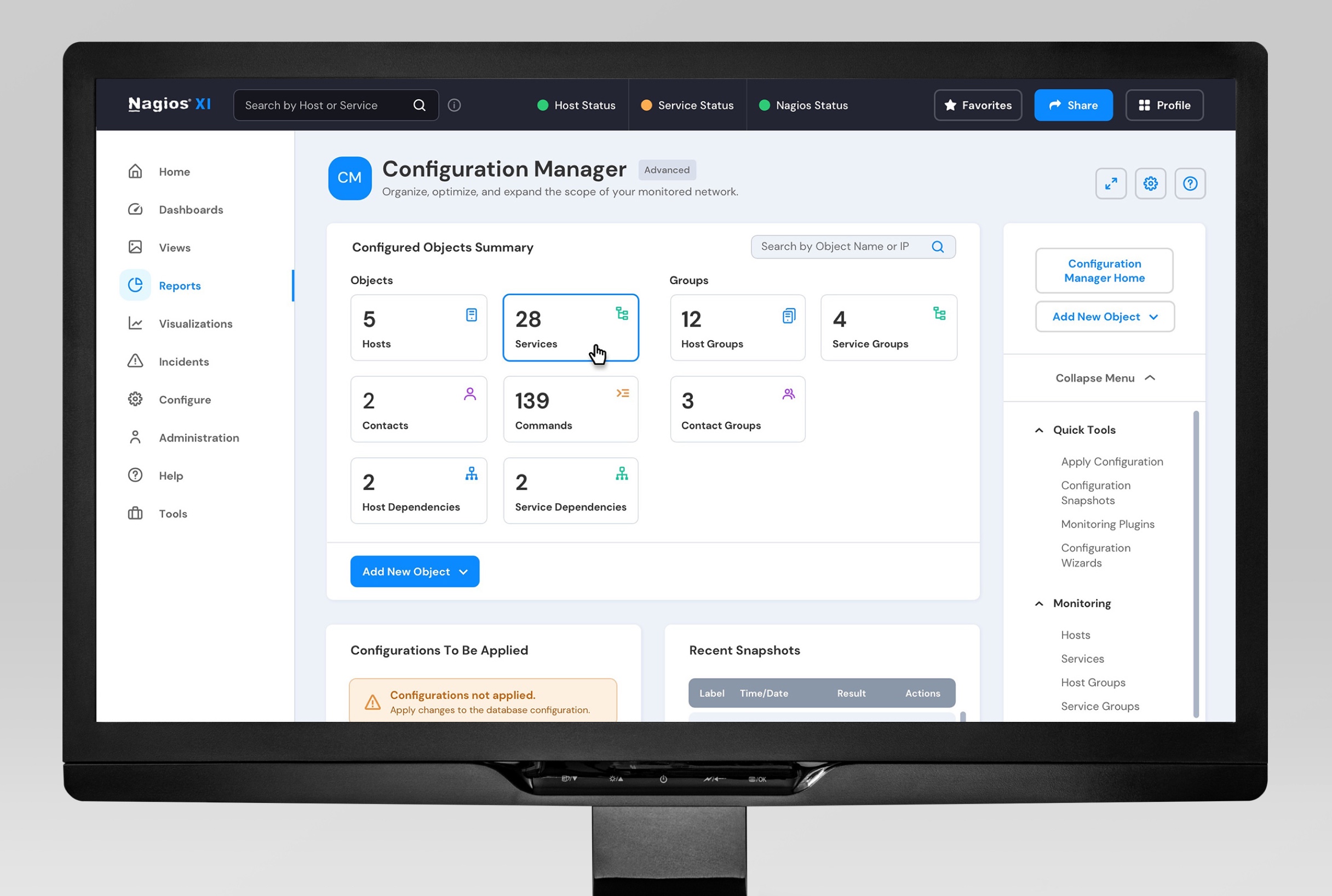
Nagios XI IT Network Monitoring Software
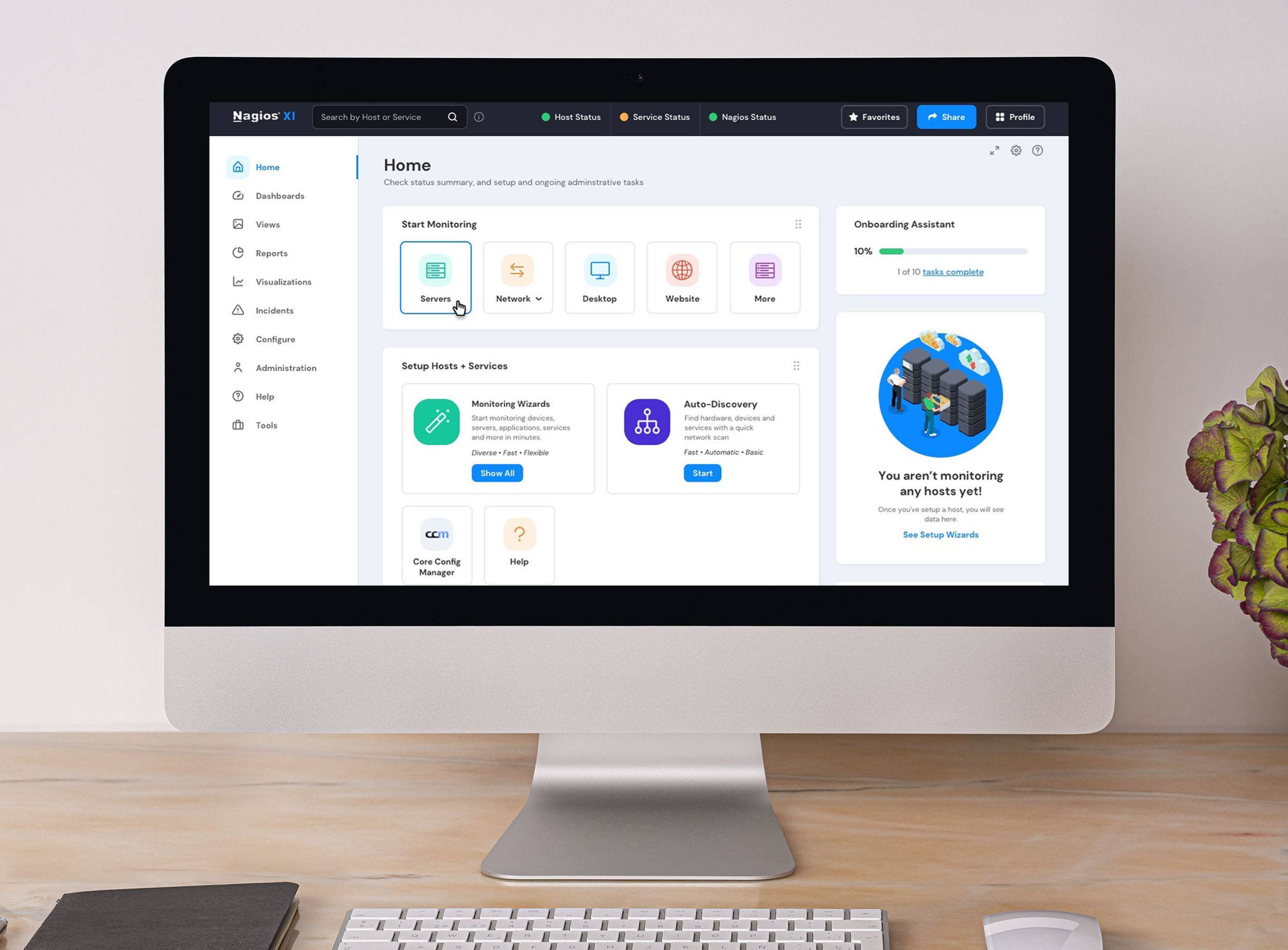
Nagios XI is an extensible (open source) application that allows system administrators to check on the health of their network—websites, servers, hardware, software, and any cloud-based resource.
The Nagios XI software is in use worldwide by airlines, biotech companies, defense contractors and systems, emergency services, energy companies, enterprise retailers, governments and other organizations that require high transactional speed and accuracy on load times and data exchanges.
Nagios XI can monitor the overall health of the network, as well as individual endpoints— network "objects" such as inventory application servers, temperature gauge data within a nuclear reactor core, an employees' work-issued mobile phones or point-of-sale credit card scanners used in department stores.
Outcomes
- Transformed engineer-grown product into customer-first system: Led heuristic analysis and information architecture redesign for open-source monitoring application used worldwide by airlines, defense contractors, governments, and enterprises requiring high transactional speed/accuracy. New users found redesigned system easier to learn; expert users appreciated navigation cleanup while core functionality remained intact.
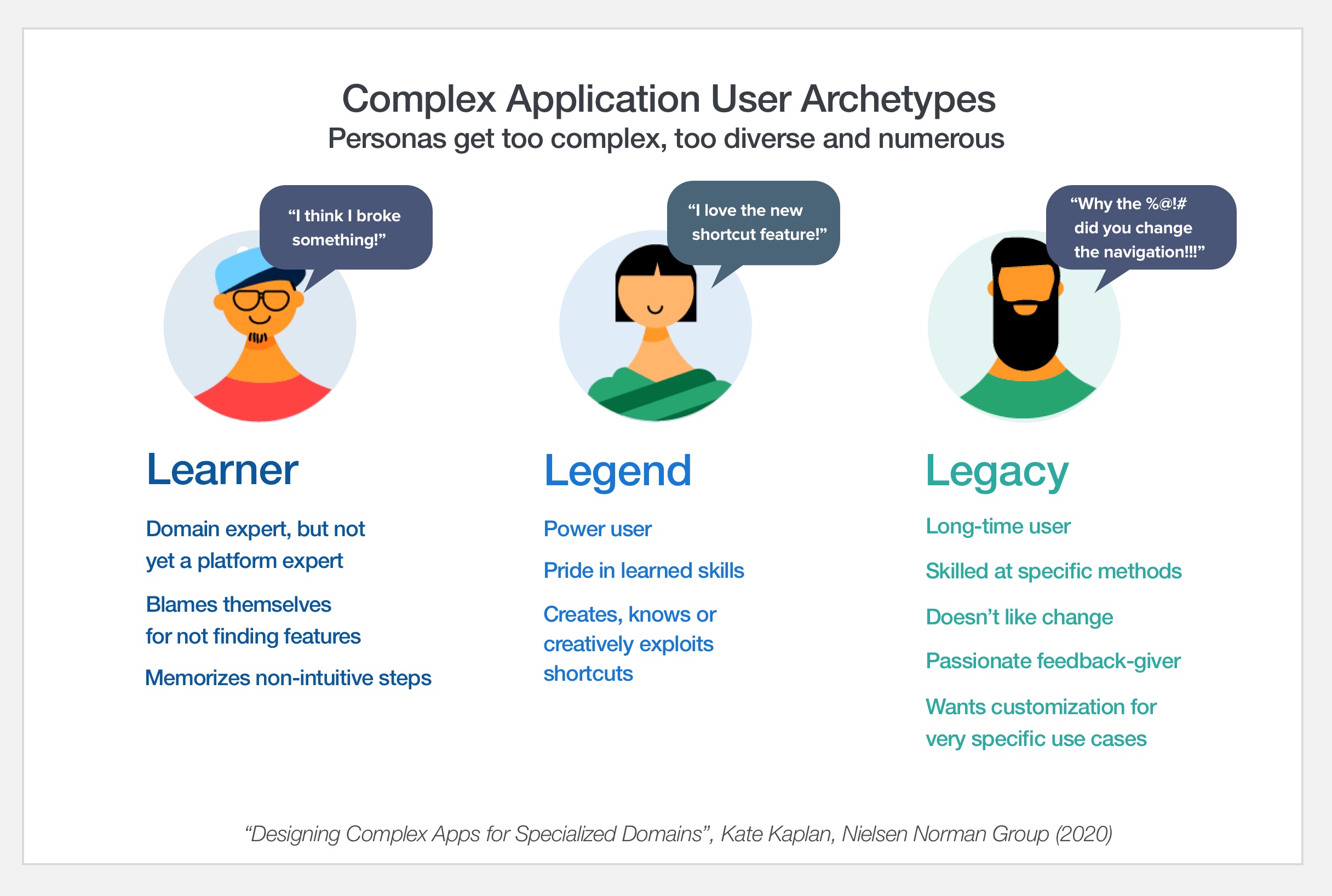
- Balanced competing user needs across experience spectrum: Created archetypes (Learner, Legend, Legacy) to evaluate navigation, help features, and task hierarchies. Constantly assessed new user onboarding against expert workflows, ensuring accessibility improvements didn't compromise power-user capabilities.
- Identified technology constraints beyond scope: Surfaced enterprise-scale limitations (3,000-store grocery chain experiencing multi-day report processing times) and refocused improvement efforts on achievable information architecture enhancements rather than infrastructure bottlenecks.
- Delivered efficient high-performance collaboration: Operated as "three in a box" team with client strategist and CTO, providing facilitation, information mapping, and UX heuristics expertise. Partnership brought feature-rich legacy application into modern space at 60% under budget through energetic daily work sessions and practical ambition.
Objective
Transform a well-known engineer-grown product to a "customer-first" strategy.
Deliverables
Heuristic Analysis (Global).pdf
Heuristic Analysis (Page-Level).pdf
Wireframes / Information Architecture.pdf
Visual Design for Desktop.pdf
Visual Design Prototype for Homepage.mp4
Expand Details ►
Goals
Engagement, Productivity, Sales, Simplify Onboarding
Research Methodologies
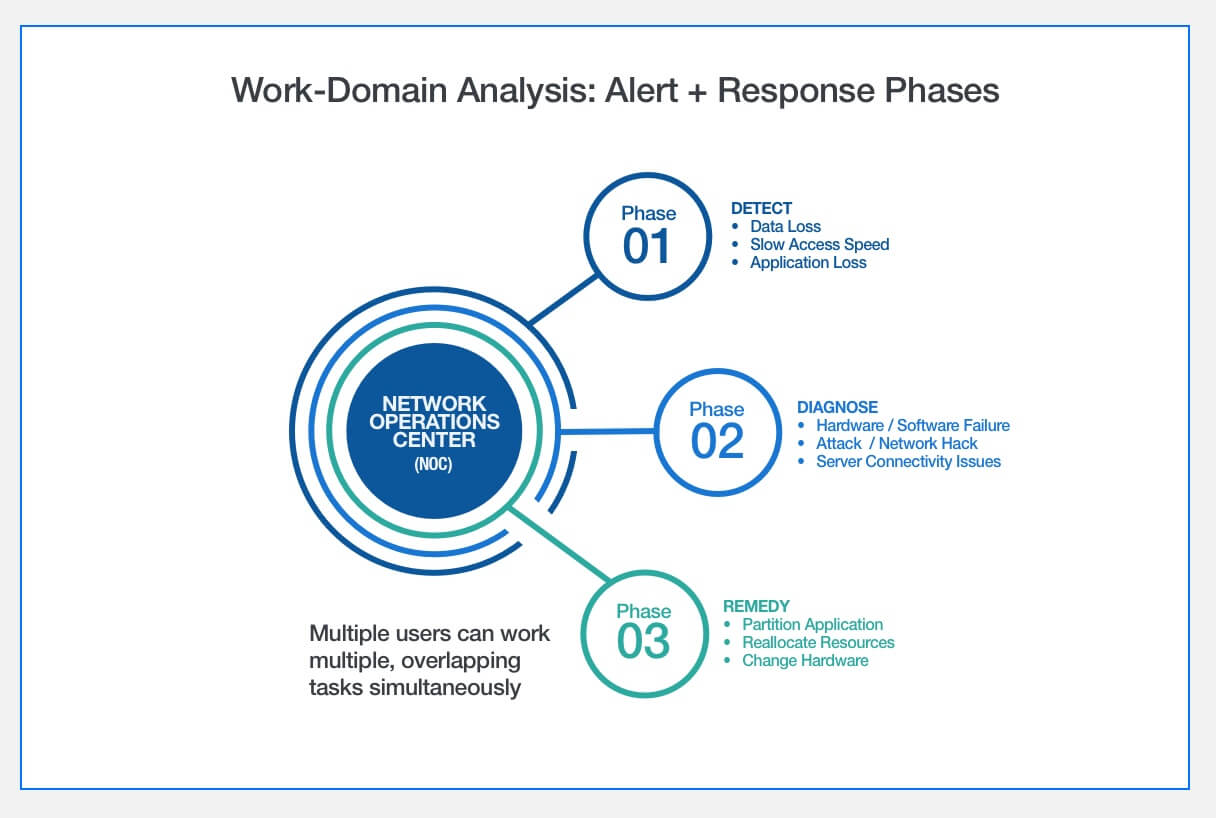
- Work-Domain Analysis (remote)
- Contextual Interviews
- Customer and Tech Support Interviews
- Heuristic Analysis (Global and Page-Level)
Challenges
My understanding of network monitoring was somewhat limited going into the project, but after some exploration (see "IT Network Monitoring 101 Deck" in Artifacts below), things moved quickly and efficiently. The client was very focused on maturing the user experience, and was willing to adapt and rework as needed, so little stood in the way of designing better UX.
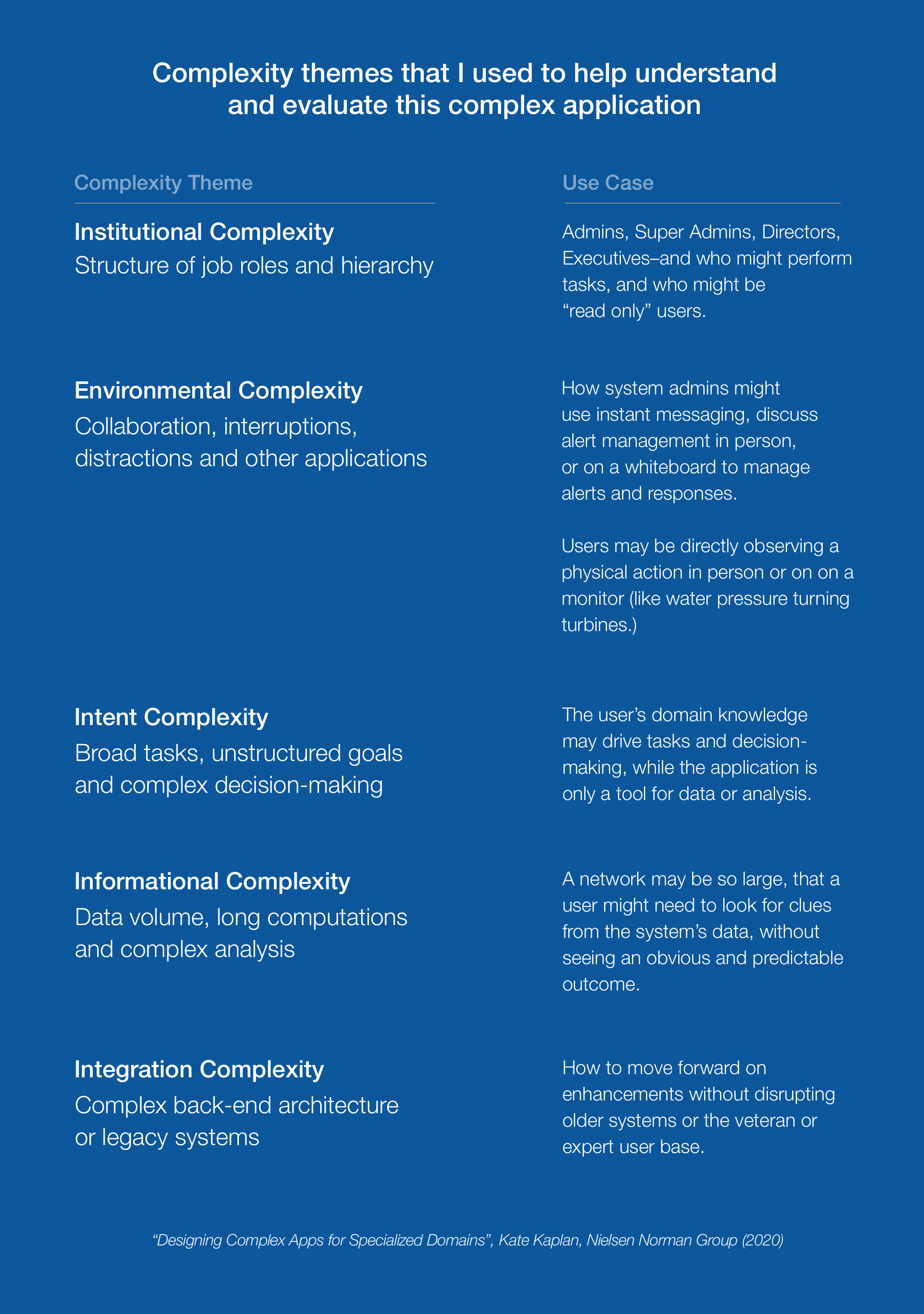
The client had well-documented data supporting the difficult onboarding of new users. Throughout all the redesign, we constantly evaluated what new users (compared to experts) with respect to navigation, help features, and primary, secondary and automated tasks. I created some archetypes (Learner, Legend and Legacy) to help us evaluate the test designs.
During the discovery phase, we received a lot of feedback from long-time users (Legacy archetype) concerning the system's ability to accommodate their size requirements. (As shown here , one 3,000-store grocery chain in Belgium said some reports and visualizations would take days to process, or be unable to be viewable at all.) We did have to report to the client the technology shortcomings, as well as refocus the conversations toward aspects we could improve in the information architecture / within project scope.
Other Results
The client and tech support feedback from new users was that the redesigned system is easier to learn. Long-time, expert users found the navigation cleanup helpful, and was happy to see the Core Configurator (an expert component) remained largely the same, but with updated UI and visual design. The system had evolved, but based on the timeframe and budget, had not addressed the unmet needs of the most sophisticated clients.
Team
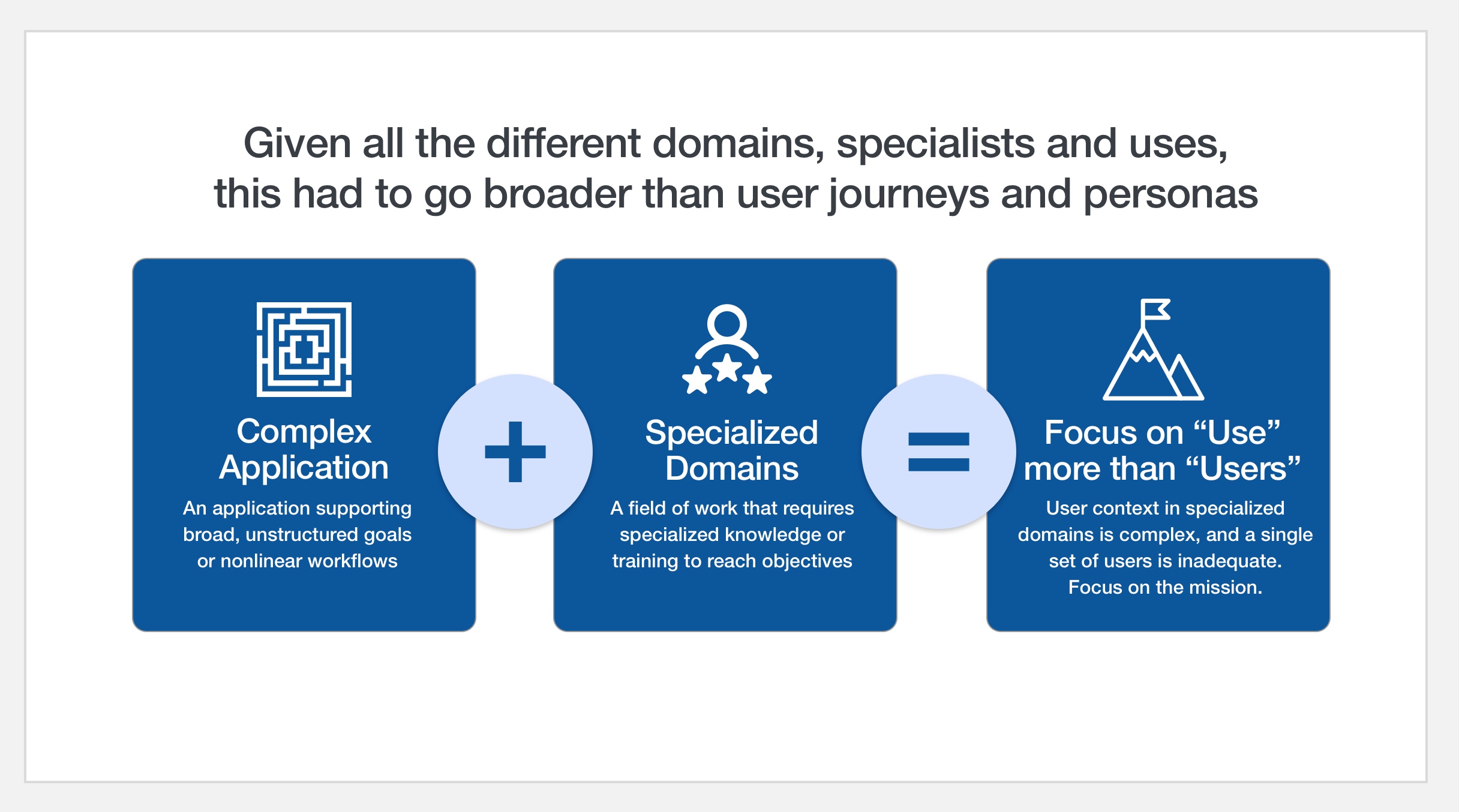
I'd primarily worked with the client strategist/subject matter expert and their Chief Technology Officer in daily work sessions. Other roles on the team included: UX Research Lead (myself), Information Architect (myself), Project Manager, IT Network Subject Matter Expert, Visual Designer.
Next Steps
- Field Study
- Tree Test Navigation
- Reevaluate Frequently Used Dashlets (Embedded Components)
Final Analysis
The client had all the right "ingredients" in the application from the start. And even better, they had the ideal mindset about the need to modernize and make the application more usable.
The client strategy lead and client tech lead were smart, cooperative, articulate and I brought the third pillar that was missing. I acted as a facilitator, information mapper, conceptual visualizer and UX best practices advocate. As a partnership, we were the right mix of ambition and practicality to move the application forward.
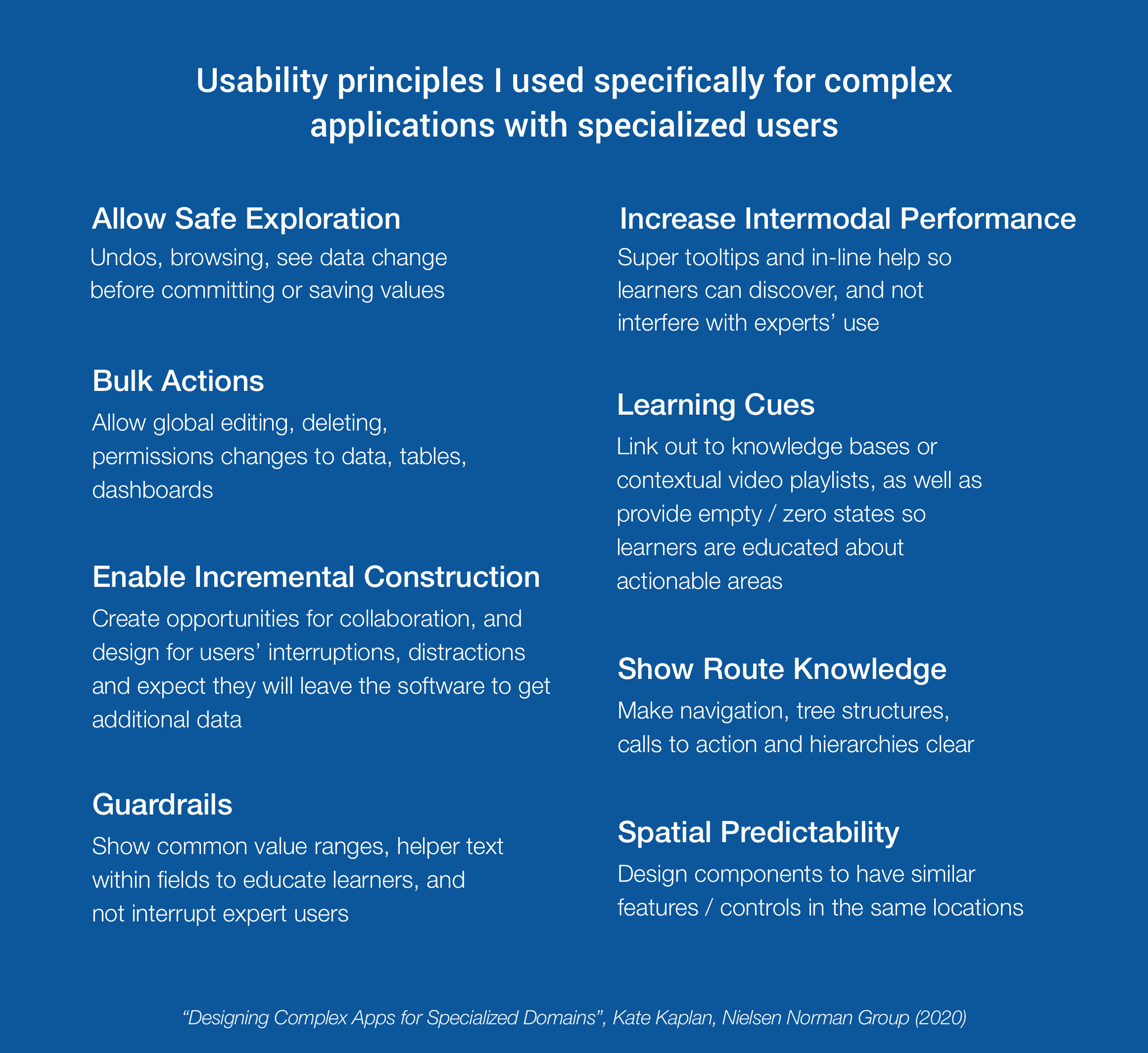
Every collaboration session was energetic, swift-moving and they were thrilled with the type of usability clarity I brought with the lens of Nielsen's Heuristics.
Collectively, we moved their trusted, feature-rich application into a modern space. And our "three in a box" team brought the project in around 60% under budget.